
iLovePDF - PDF Editor & Scan App Review
An in-depth review of iLovePDF - PDF Editor & Scan. Learn how this powerful tool helps you scan, edit, convert, and sign documents on the fly.
Imagine you are minutes away from a critical business presentation, only to realize your main proposal is locked in an uneditable format, spread across three separate files, and missing a vital signature. Juggling multiple single-purpose tools in a high-pressure corporate environment is inefficient. This is where the iLovePDF - PDF Editor & Scan utility steps in, offering a centralized, professional ecosystem designed to streamline your document management workflow directly on your device.
Versatile Scanning and OCR Functionality
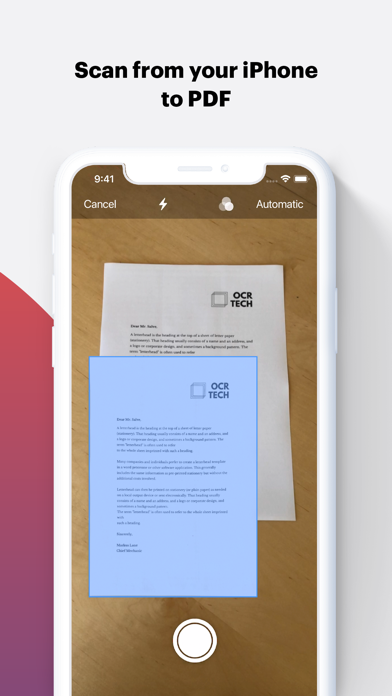
The application shines in its ability to bridge the gap between physical paper and digital assets. Using the integrated scanning features, professionals can instantly capture clean, multi-page documents. The built-in Optical Character Recognition (OCR) engine converts raw image data into searchable, editable text with remarkable precision, ensuring that physical contracts or printed notes are immediately integrated into your digital archive.
Comprehensive Editing and File Conversion
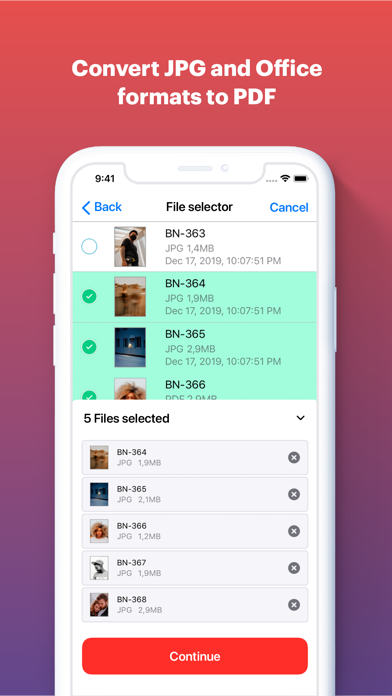
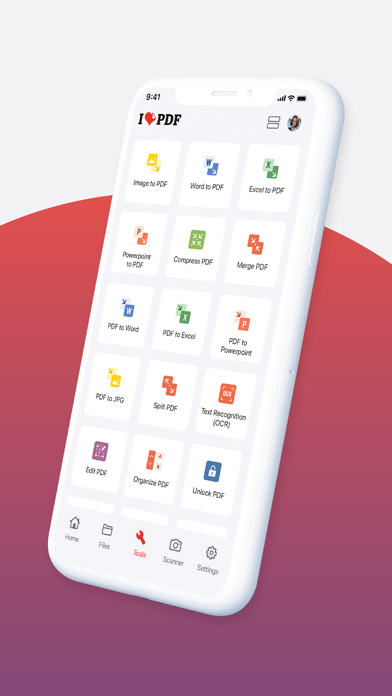
At its core, the iLovePDF - PDF Editor & Scan suite functions as a highly adaptable converter and editor. Users can seamlessly transition files between formats, including converting images (JPG) to PDF or translating standard Microsoft Office documents into highly shareable PDFs. The editing suite allows you to:
- Annotate and Mark Up: Highlight critical text, insert contextual notes, draw directly on files, or add visual assets.
- Fill and Sign: Complete complex interactive forms and apply secure, handwritten electronic signatures in seconds.
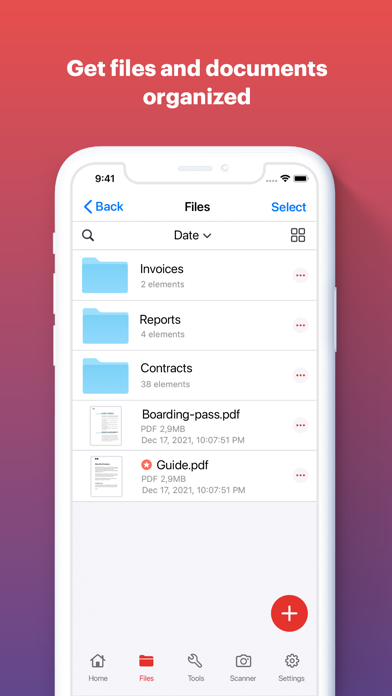
- Optimize and Organize: Compress files to reduce storage footprints, merge multiple documents, split pages, or customize layouts with page numbers and custom watermarks.
Secure Document Protection and Cloud Integration
Corporate security is paramount when handling sensitive data. The application offers robust encryption tools, enabling users to apply password protection or strip existing restrictions from authorized files. Additionally, native compatibility with major cloud storage providers like Google Drive and Dropbox ensures that your secure files are accessible and shareable from anywhere, keeping team collaboration fluid and secure.
Our Editorial Verdict
Developed by ILOVEPDF S.L., this application stands out in the productivity and tools category as an essential asset for modern business professionals. Whether you need to compress a heavy presentation or sign a contract on the move, it delivers desktop-grade utility in a streamlined interface. To add this versatile tool to your professional toolkit, visit the official Apple App Store to explore its features and subscription options.