
Mage - Re/streaming
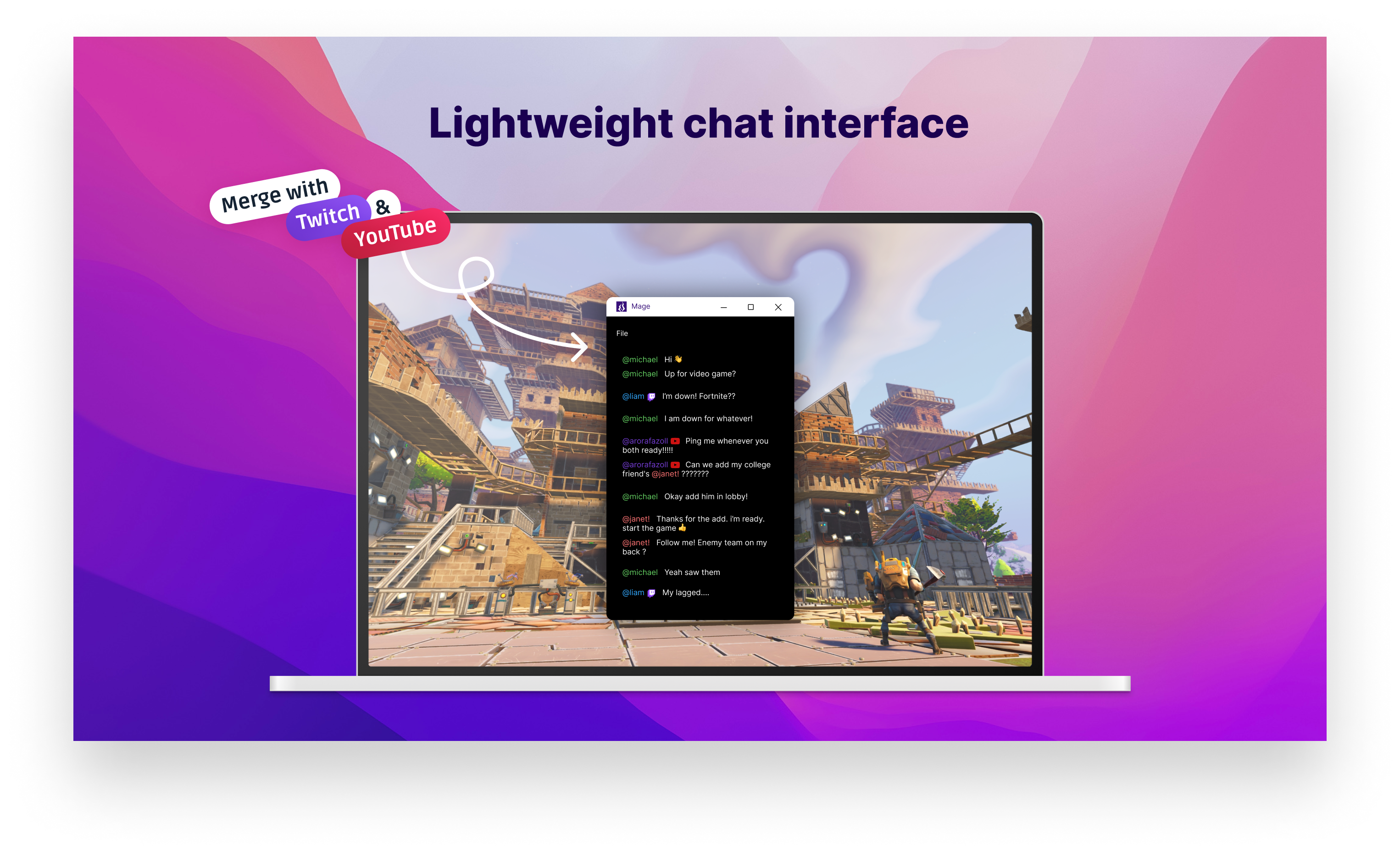
Read our comprehensive review of Mage - Re/streaming, the ultimate lightweight desktop tool for consolidating live chat streams from multiple platforms.
Streamers and active viewers know how chaotic it can be to manage interactions across multiple broadcasting platforms. The Mage - Re/streaming chat viewer offers a streamlined, lightweight desktop solution designed specifically to consolidate your live audience interactions into a single, focused interface on Windows.
Consolidated Chat Management in One Desktop Window
Developed by Code Crow, this specialized entertainment utility serves as the official desktop client for the Mage web platform. Instead of keeping multiple heavy browser tabs open to monitor your broadcasts, the Mage - Re/streaming chat viewer aggregates live conversations from major streaming networks into a clean, dedicated environment. It is engineered specifically for creators and community members who need real-time text monitoring without the overhead of a full web browser.
Supported Chat Channels and Modes
- Mage Channel Chat: Native integration with your primary Mage platform stream chat.
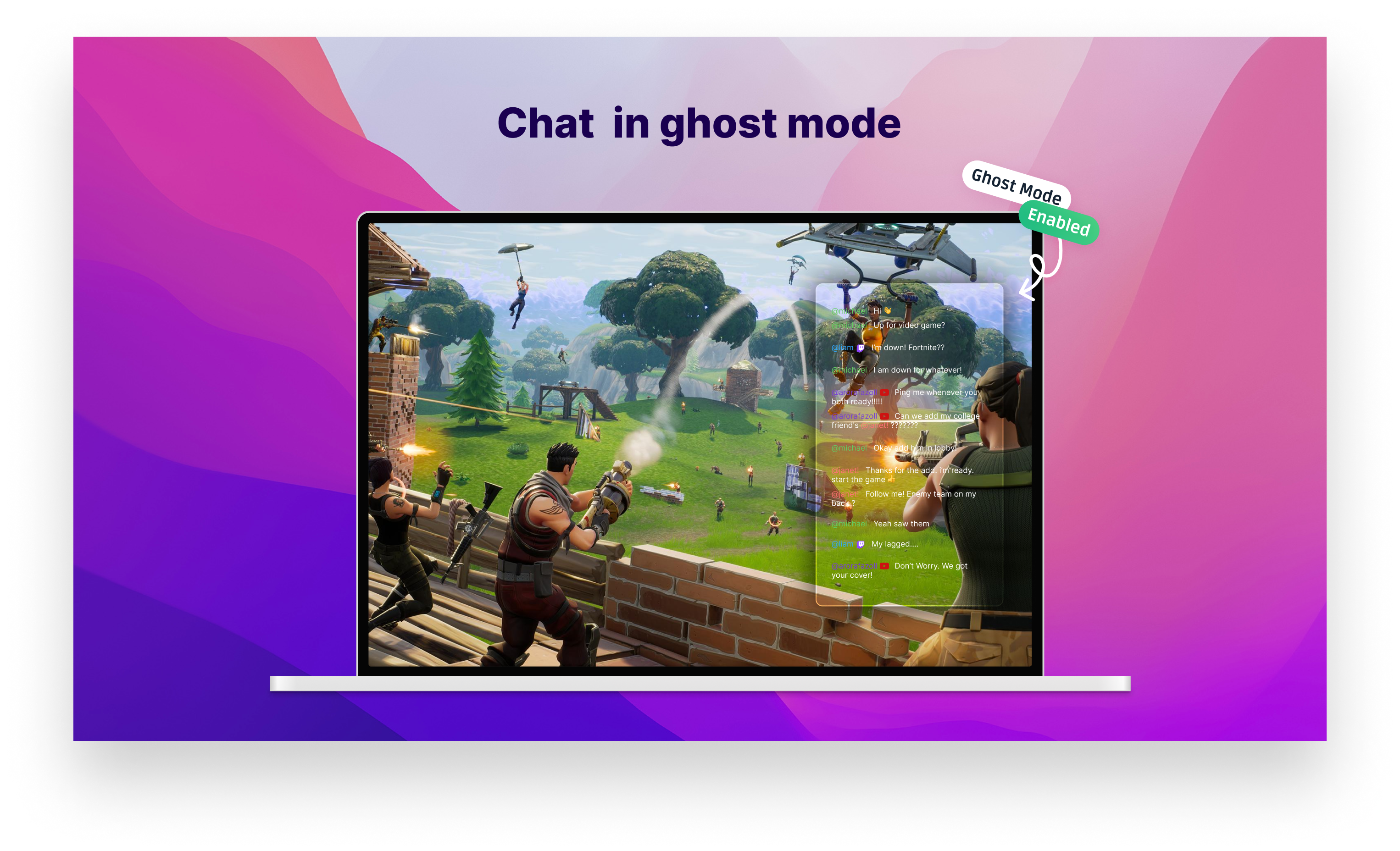
- Ghost-Mode Channel Chat: Monitor conversations discreetly without showing up as an active participant.
- Twitch Chat: Keep up with your high-velocity Twitch community interactions seamlessly.
- YouTube Chat: View live YouTube stream messages side-by-side with other networks.
Who Is This Desktop Client For?
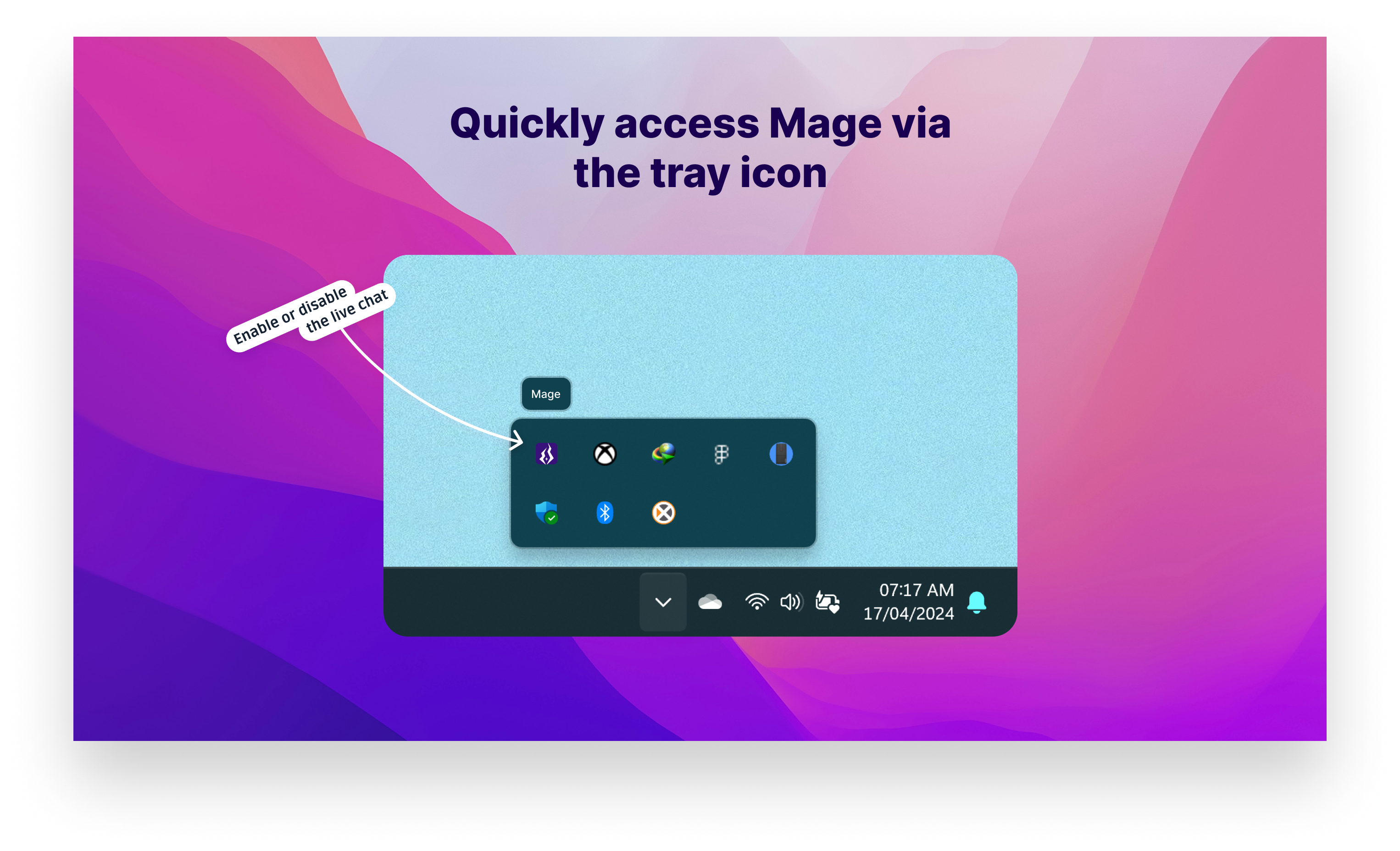
The Mage - Re/streaming chat viewer is an ideal utility for multi-streamers who want to keep their eyes on the conversation without sacrificing system resources. Because it runs as a native Windows application, it provides a more stable, distraction-free environment than standard web interfaces. Please note that this application requires the .NET Desktop Runtime installed on your Windows machine to function properly.
Pros and Key Considerations
- Ultra-Lightweight: Avoids the high RAM usage typical of modern web browsers.
- Multi-Platform Support: Unifies Mage, Twitch, and YouTube chats in one place.
- Focused Utility: Perfect for a secondary monitor setup dedicated solely to community interaction.
How to Get Started
If you are looking to optimize your stream-monitoring workflow and keep your audience engagement high across multiple platforms, this desktop client is well worth exploring. To download the application and integrate it into your broadcasting setup, head over to the official Microsoft Store to install the software safely on your Windows device.