

Movies & TV App
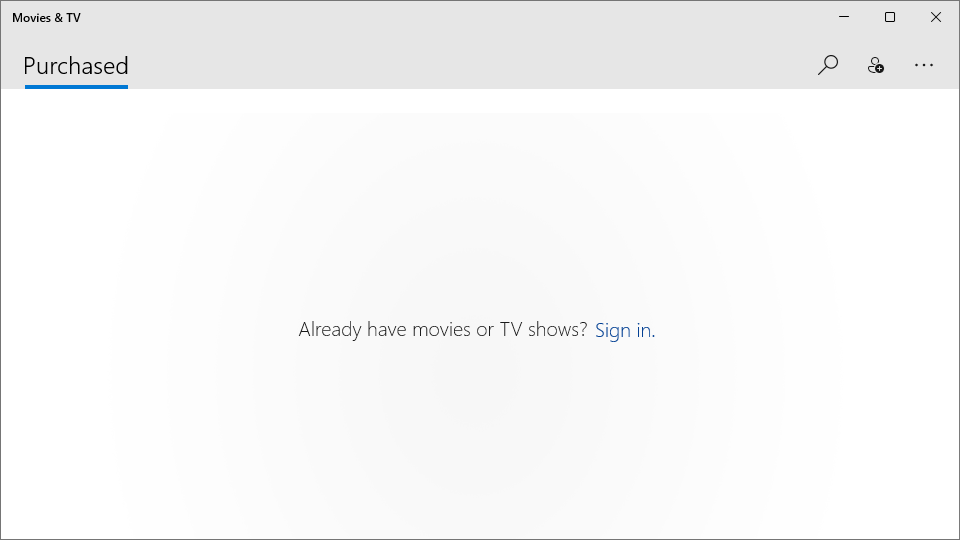
Discover how the Microsoft Movies & TV app integrates your purchased entertainment library across Windows devices and Xbox consoles in our full editorial review.
A Unified Library for Your Microsoft Entertainment
The standout feature of the Movies & TV media player is its seamless integration with the broader Microsoft ecosystem. Unlike multi-platform streaming services that require constant re-authentication, this dedicated Windows application is built to instantly recognize and catalog your purchased digital library, providing a direct bridge between your desktop environment and your living room console.
Key Features of Movies & TV
Designed specifically for the Windows architecture, the application focuses on stability and straightforward access to your media assets. Here is what the platform delivers:
- Cross-Device Continuity: Watch your purchased movies and television episodes fluidly on your authorized Xbox consoles and Windows-based devices.
- Streamlined Interface: A minimalist, lightweight layout that avoids the resource-heavy clutter of modern web-based players.
- Local Integration: Optimizes playback performance by leveraging native Windows audio and video hardware acceleration.
Who Is This Media Player For?
The Movies & TV media player is highly recommended for users who are already deeply invested in the Microsoft ecosystem. If you frequently purchase digital releases through the Microsoft Store or utilize an Xbox as your central home entertainment hub, this application serves as your native dashboard. It eliminates the need for third-party browsers or heavy applications to enjoy your cataloged content.
System Compatibility and Regional Availability
Developed by Microsoft Corporation, this native utility is optimized exclusively for the Windows platform. Users should note that content availability within the application is subject to regional licensing, meaning certain purchased titles may vary depending on your local market storefront.
An Efficient, No-Fuss Entertainment Hub
While it may not feature the social elements of modern independent streaming platforms, its strength lies in its simplicity and performance. It does exactly what it promises: delivers high-quality playback of your owned library without distracting background processes.
To explore this software further and manage your digital entertainment library, head over to the official Microsoft App Store to view the application details.